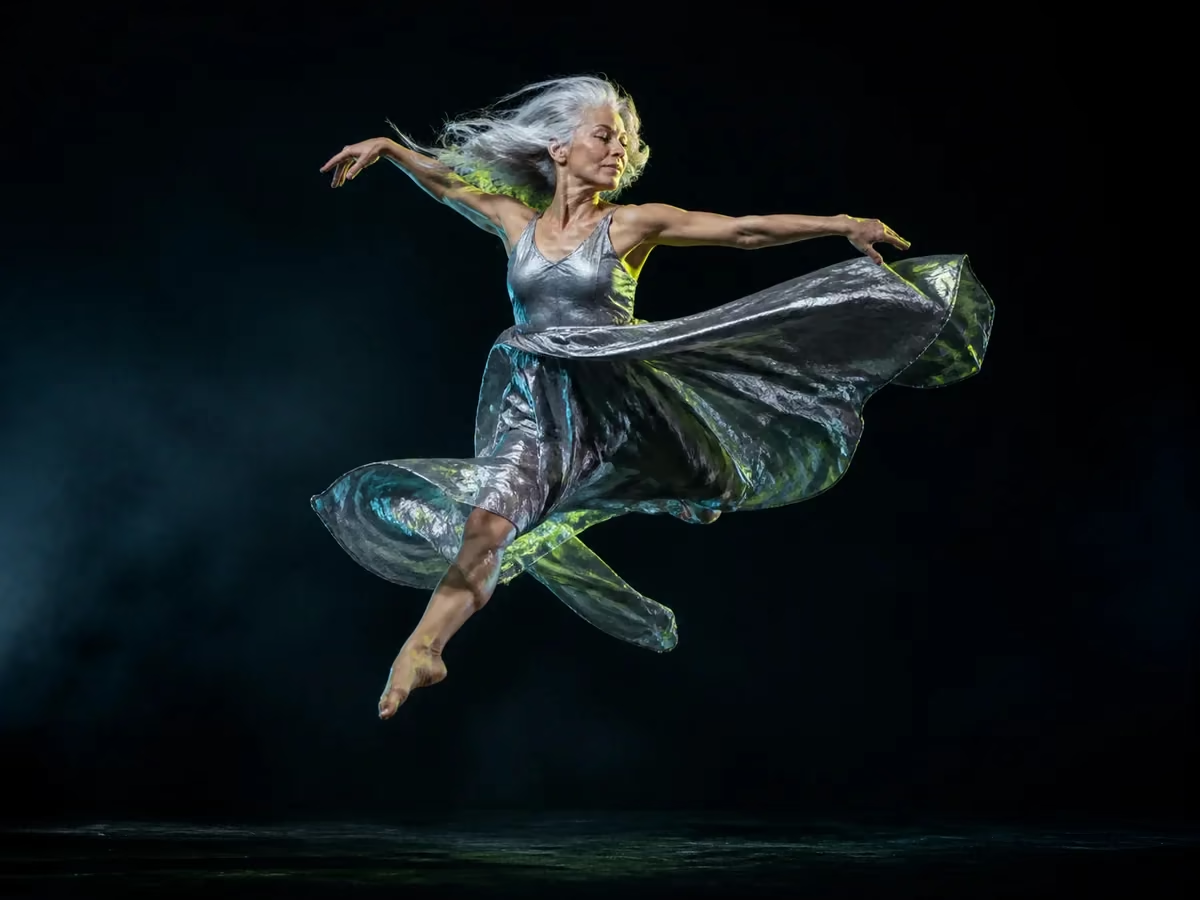
Seedance AI video generator

Create cinematic video with Seedance AI.

Generate high-quality videos from text and images with Seedance 2.5 by default—or switch to other leading video models in the same studio.

  • Seedance selected by default
  • Text and image input
  • More video models available

One model, many stories

Create beyond a single shot

Use Seedance for cinematic scenes, image animation, and coherent visual storytelling across a wide range of creative work.

These curated previews were created with MiniMax H3 and are shown as cross-model inspiration, not as Seedance outputs. Select a case to recreate its direction with Seedance and an adapted prompt.

Shot recipe 01MiniMax H3 preview

Text to video

Turn a written scene into expressive motion with deliberate framing, lighting, and camera direction.

A futuristic white concept roadster glides through a rain-washed avenue at blue hour. Low tracking camera, coherent vehicle geometry, wet reflections, restrained cyan light, premium automotive film, one continuous shot. No text, logos, interface graphics, or abrupt cuts.

Create Job with Same Configuration
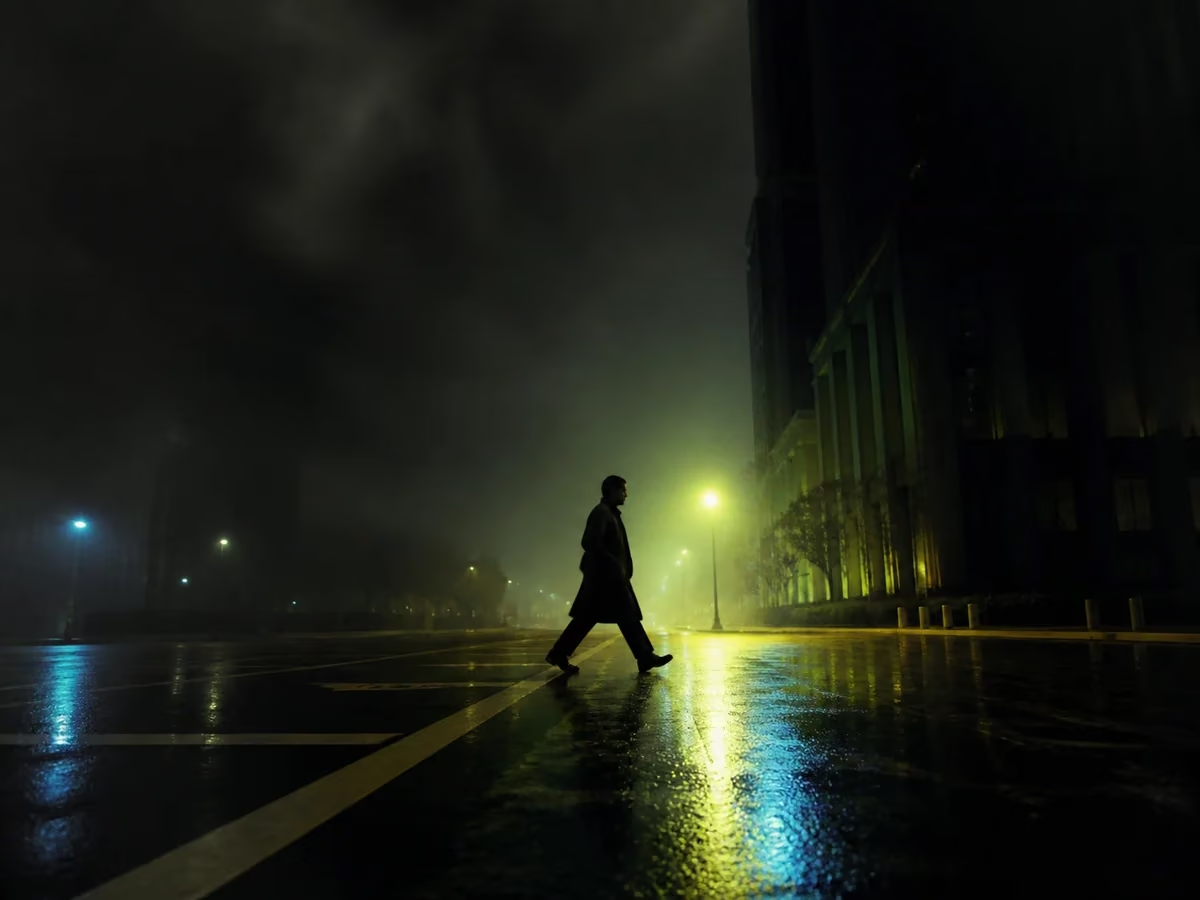
Shot recipe 02MiniMax H3 preview

Image to video

Animate a reference image while preserving its character, composition, and visual identity.

Animate the supplied futuristic motorcycle reference inside a bright aerodynamic test chamber. Preserve the bike and rider design while visible air streams wrap around the bodywork. Smooth push-in, stable anatomy and mechanics, clean commercial lighting. No text, logos, morphing, or collisions.

Create Job with Same Configuration
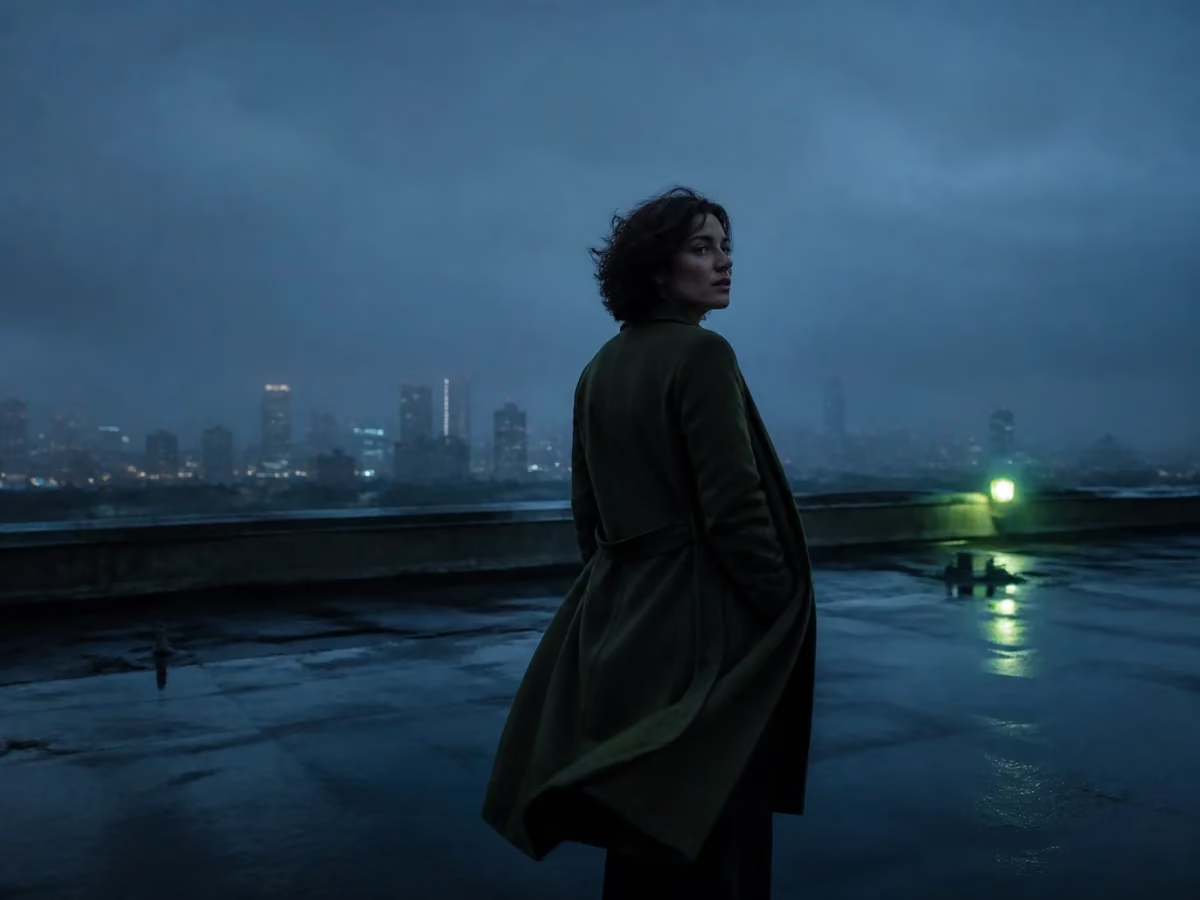
Shot recipe 03MiniMax H3 preview

Multi-shot stories

Develop connected sequences with stronger motion continuity and cinematic pacing.

A folded-screen device becomes a portal connecting an athletic track, a modern gallery, and a sunlit corridor. Keep the same presenter and device coherent across connected shots, with deliberate transitions and cinematic pacing. No text, logos, broken screens, or duplicate people.

Create Job with Same Configuration

Curated motion gallery

Six directions worth exploring

A shared collection of compact video studies spanning travel, food, nature, animation, portraiture, and imagined worlds.

Worldflight

A low seaplane departure built around speed, spray, and a wide environmental reveal.

Honey macro

Tactile food detail with controlled highlights and slow, readable material motion.

Monsoon terraces

An expansive landscape study balancing water, atmosphere, and camera drift.

Lantern fox

A character-led animated beat with warm light and a storybook nighttime world.

Studio portrait

A restrained fashion portrait shaped by pose continuity and precise flash timing.

Ringed world

A cosmic scale study moving from planetary detail into an abstract horizon.

The six featured studies were created with MiniMax H3 as cross-model inspiration. The expanded library combines Shedance-oriented and shared AI-generated studies; none are customer testimonials or records of real events.

A faster creative workflow

From idea to Seedance video

Start with Seedance, then stay free to compare another model whenever the project calls for it.

Input · 01

Describe your scene

Write the subject, action, setting, mood, and camera language in natural language.

Control · 02

Add references if needed

Upload an image when you want to preserve a character, product, composition, or visual style.

Output · 03

Generate and refine

Create with Seedance by default, adjust the direction, or compare another available video model.

Seedance first, never locked in

A focused Seedance experience with room to compare.

Shedance AI opens on Seedance 2.5, while the shared model picker keeps other supported video models within reach.

Open the video studio

Seedance by default

The homepage starts with the Seedance family and the latest Seedance 2.5 preset for video generation.

Input-aware generation

Write a prompt or add an image; the studio adapts the generation path to the media you provide.

Multiple models, one workflow

Switch models without rebuilding your creative process, then keep results and job history in one workspace.

Seedance questions

What to know before generating

What is Seedance AI?+

Seedance is ByteDance's AI video model family for generating video from text and image references. Shedance AI provides an independent interface for accessing supported Seedance variants.

Which Seedance model is selected by default?+

The homepage starts with Seedance 2.5. Available variants and exact generation options are loaded from the live model catalog.

Can I use video models other than Seedance?+

Yes. Seedance is the default and the main focus of this page, but you can open the model selector and choose another supported video model.

Is Shedance AI affiliated with ByteDance?+

No. Shedance AI is an independent product and is not affiliated with or endorsed by ByteDance. Model availability depends on connected providers.

Start creating with Seedance.

Generate from text or images with Seedance selected by default, and keep other leading video models one click away.

Try Seedance AI

AI Pricing Plans

Choose credits for the way you create

Compare monthly, annual, and one-time credit options with clear model-level output estimates.

Loading pricing details…